Page 1 of 1
Bigimg help...
Posted: Sat Jan 30, 2010 12:10 am
by Top Dog
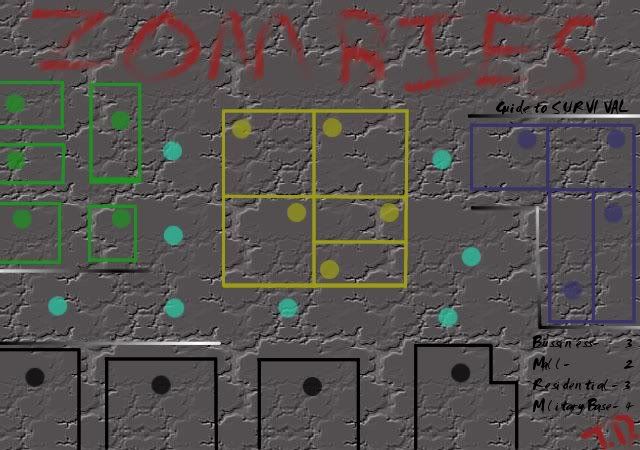
Hey, what's up everyone... Been a while since I've been on (like a year)... Anyways, I'm currently working on a zombie themed map (that probably will fail lol) but I can't figure out how to get the image to show... The link to v.1 of my map is-
http://s826.photobucket.com/albums/zz18 ... OMBIES.jpg
When I put that url in between Bigimg I get this-
- Click image to enlarge.

since the photo is on photobucket I went to "share" and copied the link there and tried putting that into bigimg but then I just get-
- Click image to enlarge.

I'd appreciate any help and btw, v.2 is looking better lol
Re: Bigimg help...
Posted: Sat Jan 30, 2010 12:23 am
by samuelc812
Here is the right code:
Code: Select all
[bigimg]http://i826.photobucket.com/albums/zz183/topdog12/ZOMBIES.jpg[/bigimg]
You only need the image source surrounded by the Bigimg tags for it to work.
Here is the code you used, i've higlighted in
blue, the link you needed to put inside the Bigimg tags for it to work
 CORRECT
INCORRECT
CORRECT
INCORRECT
<a href="
http://s826.photobucket.com/albums/zz183/topdog12/?action=view¤t=ZOMBIES.jpg" target="_blank"><img src="
http://i826.photobucket.com/albums/zz183/topdog12/ZOMBIES.jpg" border="0" alt="Zombies"></a>
- Click image to enlarge.
Hope that helps,
~Sam
Re: Bigimg help...
Posted: Sat Jan 30, 2010 6:33 am
by ManBungalow
Listen to what Sam is saying. To get the image location that he mentioned you just need to right-click on the image from the page you linked above and hit "Copy image location". Then you can put that image URL in the [img] or [bigimg] tags.
Re: Bigimg help...
Posted: Sat Jan 30, 2010 9:38 am
by crewsader
He is probobly right though, for photobucket therre are many different copy and paste options...try them all
